
Accuracy and privacy from the first field
Set up an ie222 account carefully
A clean registration process reduces later recovery problems. Eligible adults in India can prepare their mobile number, complete verification privately and learn the important account controls before entering the ie222 lobby.
Prepare
Use a device and number you control
Choose a private handset or one that can be locked after use. Make sure the active Indian number can receive messages and that the network is stable. Read the age and location requirements before entering personal data. If identity evidence is requested, submit it only through the verified ie222 interface. Do not send documents to someone who contacts you through an unrelated social account and offers to register on your behalf.
Verify
Read every digit before requesting the OTP
Select the correct country context if it appears, then check the number carefully. Network traffic can delay a message. Requesting several codes may invalidate earlier ones, so enter only the newest code on the screen you opened. A one-time password proves access to the number for that moment. It must not be shared with a promoter, support caller or anyone promising to accelerate account approval.
Password
Create credentials for this account alone
Use a long password not shared with email, banking or another service. Avoid names, birthdays and repeated short patterns. Supported words, numbers and symbols can improve strength. Store the password in a reputable manager rather than an unlocked note or gallery screenshot. If ie222 offers another security option, understand how recovery works before enabling it. Security is useful only when the recovery information is also protected.
Consent
Separate required terms from optional marketing
Open each linked notice and understand the checkboxes. Some may confirm core terms, age or privacy, while others represent optional communication preferences. Do not select all boxes by habit. When a welcome campaign is shown, review eligibility, activation, expiry and qualifying activity. Registration and promotion are different choices. An account can be useful even when the current offer does not suit the member’s intended use.
Dashboard
Learn where important controls are located
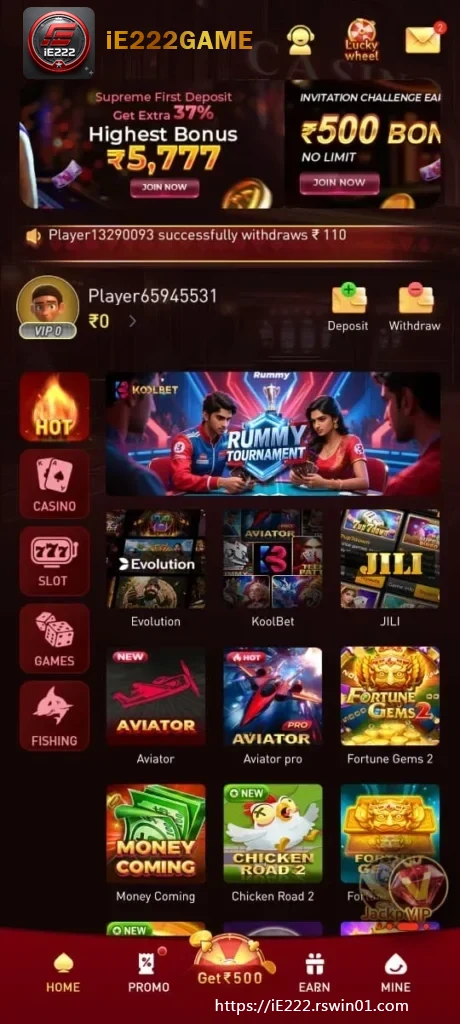
After confirmation, check the mobile number and profile information recorded. Find password settings, history, support and sign-out before opening a game. This tour creates a known recovery path if a later screen behaves unexpectedly. Correct an allowed error promptly rather than creating another account. The first ie222 visit is a good time to understand the dashboard and current notices without pressure from a live interface.
Return
Use the official recovery option if needed
Bookmark the trusted route and sign out on a phone shared with another person. When access is lost, begin with the recovery function visible on the current ie222 screen and complete its ownership checks. Ignore messages that request money, a password or OTP in exchange for restoring the account. Legitimate recovery should not require handing remote control of the device to a stranger.